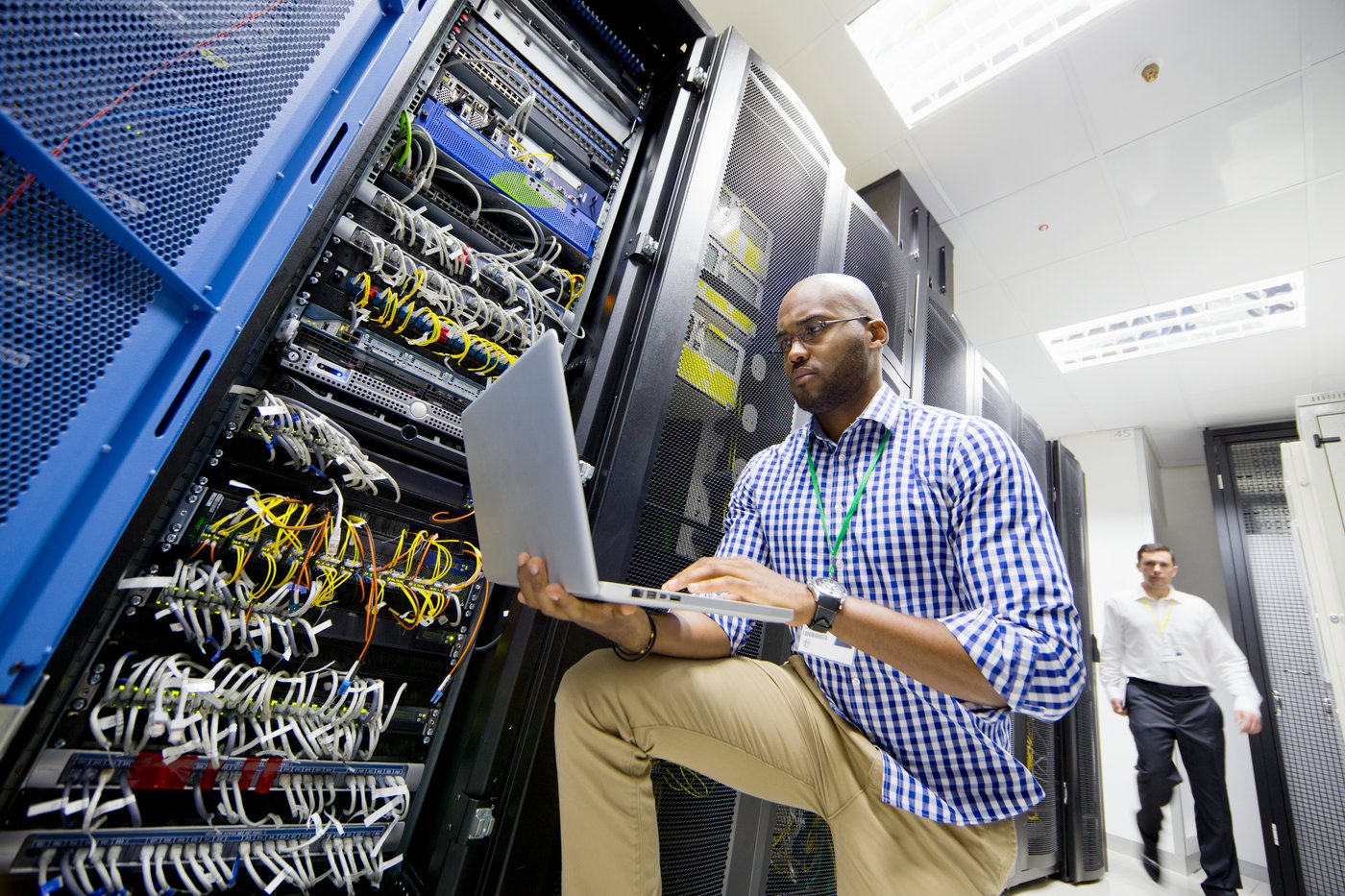
An engineer working on a laptop beside server racks
Cybersecurity & Compliance

Cloud security assessment
for Workspace and Google Cloud.
Strengthen your security posture across Google Cloud & Workspace.

Suitebriar’s security engineers perform in-depth Workspace and GCP audits to identify risks, misconfigurations, and opportunities to strengthen identity, access, and data protection.

Trusted by teams at

  • Reddit
  • Cloudflare
  • Okta
  • Zapier
  • Dialpad
  • Prezi
  • Century 21 Canada
  • Berkshire Hathaway HomeServices Homesale Realty

What does a Google Workspace security assessment check?

A cloud security assessment of Google Workspace reviews the Admin console settings that decide who can sign in, who holds admin rights, what people can share, which apps can reach your data and who acts when something goes wrong, then ranks what it finds by risk.

Google's security health page is a starting point: it checks 2-Step Verification, DKIM, SPF and DMARC, Drive sharing and mobile settings for each organizational unit, so a domain can look secure at the top while one unit is not. An audit goes further: whether 2-Step Verification is enforced or only allowed, which third-party apps have access to Gmail and Drive, and who reads the alert center.


An IT staff member pointing at settings on a monitor while a colleague looks on

What the assessment includes

Workspace security audit

Identity and authentication, Gmail and Drive settings, OAuth app access, Chrome management, the investigation tool and a security health check.

IAM and privilege analysis

Who holds admin roles, including IT service management and eDiscovery staff, and whether 2-Step Verification is enforced for every one of them.

DLP and data governance review

Drive sharing, data loss prevention rules and Vault retention for the data you must keep. DLP rules need an Enterprise, Frontline or Education edition.

Device management validation

Mobile management and passwords, advanced MDM policies, Chrome management settings and Context-Aware Access.

Recommendations prioritized by risk

A Security Audit Workbook with an actions log, and an Implementation Guide for making each change.

What the audit looks for

The settings behind most findings, and the pattern worth checking in each. All of them live in the Google Admin console.

AreaWhat gets checkedWhat to look for
Sign-in2-Step Verification enrollment, enforcement and allowed methods2-Step Verification allowed but never enforced, or people still on text-message codes
Admin accessWho holds admin roles, and how they sign inAdmin accounts without 2-Step Verification, which Google now enforces for some organizations
GmailSPF, DKIM, DMARC and MTA-STSA DKIM key generated but authentication never started, or DMARC left at none
DriveExternal sharing, allowlisted domains, DLP rulesExternal sharing on with no warning before people share outside
Third-party appsApps with OAuth access to Workspace dataApps with access to Gmail or Drive that nobody has reviewed
AlertsAlert center and the investigation toolAlerts with no one assigned to act on them
DevicesMobile management, Chrome management, Context-Aware AccessCompromised mobile devices that aren't blocked
Colleagues reviewing documents together at a meeting table

How Connections Health's audit ran

Connections Health, a therapy practice with no in-house IT, already used Google Workspace and wanted to understand its security features. Suitebriar ran a Google Workspace security audit over several meetings, scheduled around the practice, recommended DMARC, and then set up DKIM and DMARC on its domain.

Read the story
DKIM + DMARCset up on the practice's domain after the audit
“We appreciated the detailed technical explanations. We don't have an in-house IT professional so it was great that they took the time to explain the technical aspects of our security audit. The security audit involved several meetings over time and they were very patient with our schedules, last-minute changes, and cancellations. They were always willing to adapt and re-schedule to meet.”
Andrea MillsPractice Manager, Connections Health

How an audit runs

  1. Agree the scopeWhich domains, editions and organizational units are in scope, and which of your people join the sessions.
  2. Review the settingsSuitebriar's security engineers work through identity, admin access, Gmail, Drive, apps, devices and alerting with your team.
  3. Rank by riskFindings go into the Security Audit Workbook, prioritized by risk, with an actions log.
  4. Make the changesThe Implementation Guide sets out each change. At Connections Health, DKIM and DMARC were set up after the audit.

Two colleagues going through findings on a laptop

Security assessment FAQ

What IT leads ask before booking a Workspace security audit.

Not sure where your gaps are?

Tell us which Workspace edition you're on and what worries you most, and we'll talk through what an audit would look at first.

What do we get at the end?

Two documents: a Security Audit Workbook with an actions log, which lists the findings ranked by risk, and an Implementation Guide that sets out how to make each change.

How long does it take?

Connections Health's audit ran over several meetings, rescheduled around the practice's calendar.

What does it cost?

The Google Workspace security audit is free.

We're on a Business edition. Does an audit still apply?

Yes, though the tools differ. The security health page shows fewer settings outside Enterprise editions, and DLP rules and the security investigation tool aren't in Business editions, so on Business most of the protection comes from Drive sharing settings, 2-Step Verification enforcement and third-party app controls.

Do you fix what you find?

Each finding comes with the steps in the Implementation Guide. At Connections Health, Suitebriar set up DKIM and DMARC after the audit.

We handle patient data. What should we check?

That an admin accepted Google's Business Associate Agreement before any patient data went into Workspace, and that the data stays in the services Google's agreement covers. Add-ons and Marketplace apps aren't covered, which makes the third-party app review matter more.

Does it cover Google Cloud as well?

Yes. Suitebriar's security engineers also review critical Google Cloud infrastructure settings, ending with a report and a remediation plan ranked by risk.

Book a Google Workspace security audit

Tell us your Workspace edition, how many people use it and what prompted the review.

  • Google Cloud Premier Partner, working only on Google Cloud and Workspace for more than a decade
  • U.S.-based support team

Free AI starter kit

From your data to your first AI agents, in four steps

Google's AI starter kit for lean teams: your four-step guide from data to agents.

  • Four steps, from a first no-code win to a multi-step agent workflow
  • Use cases with sample prompts, plus the ABCD prompting technique
  • Best practices for data quality, governance and human oversight